
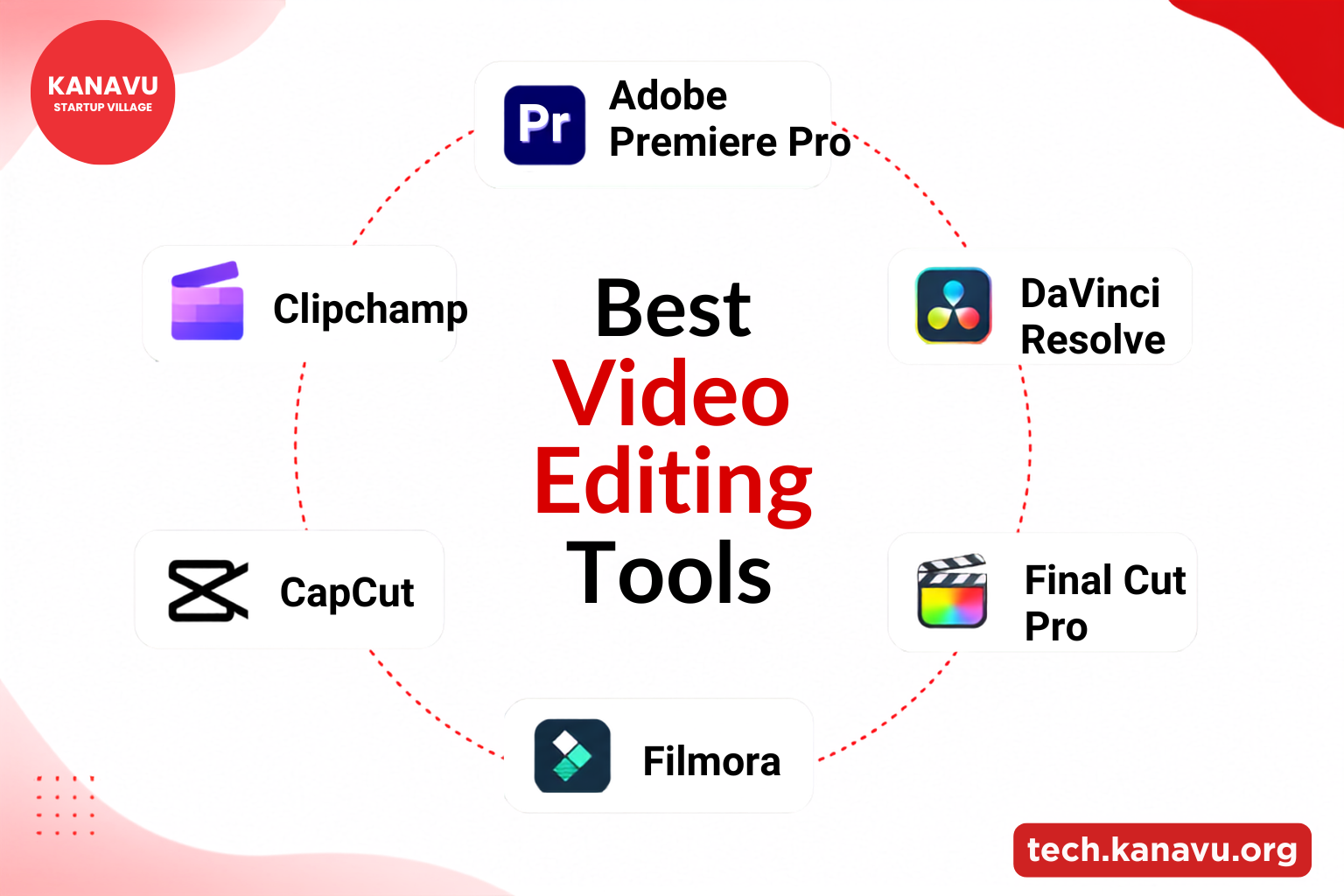
Great content starts with the right creation platform. Whether you create Reels, YouTube content, or marketing content, choosing the right software can save time and improve your results.
But which software is used for video editing? Let’s explore the best options for digital marketers based on features, skill level, and budget.
Choose the Right Software
A suitable platform can make production faster and more efficient. Beginners may prefer simple interfaces, while experienced creators often need advanced features.
Choose a tool that matches your skills, project needs, and publishing platform to achieve better results without unnecessary complexity.
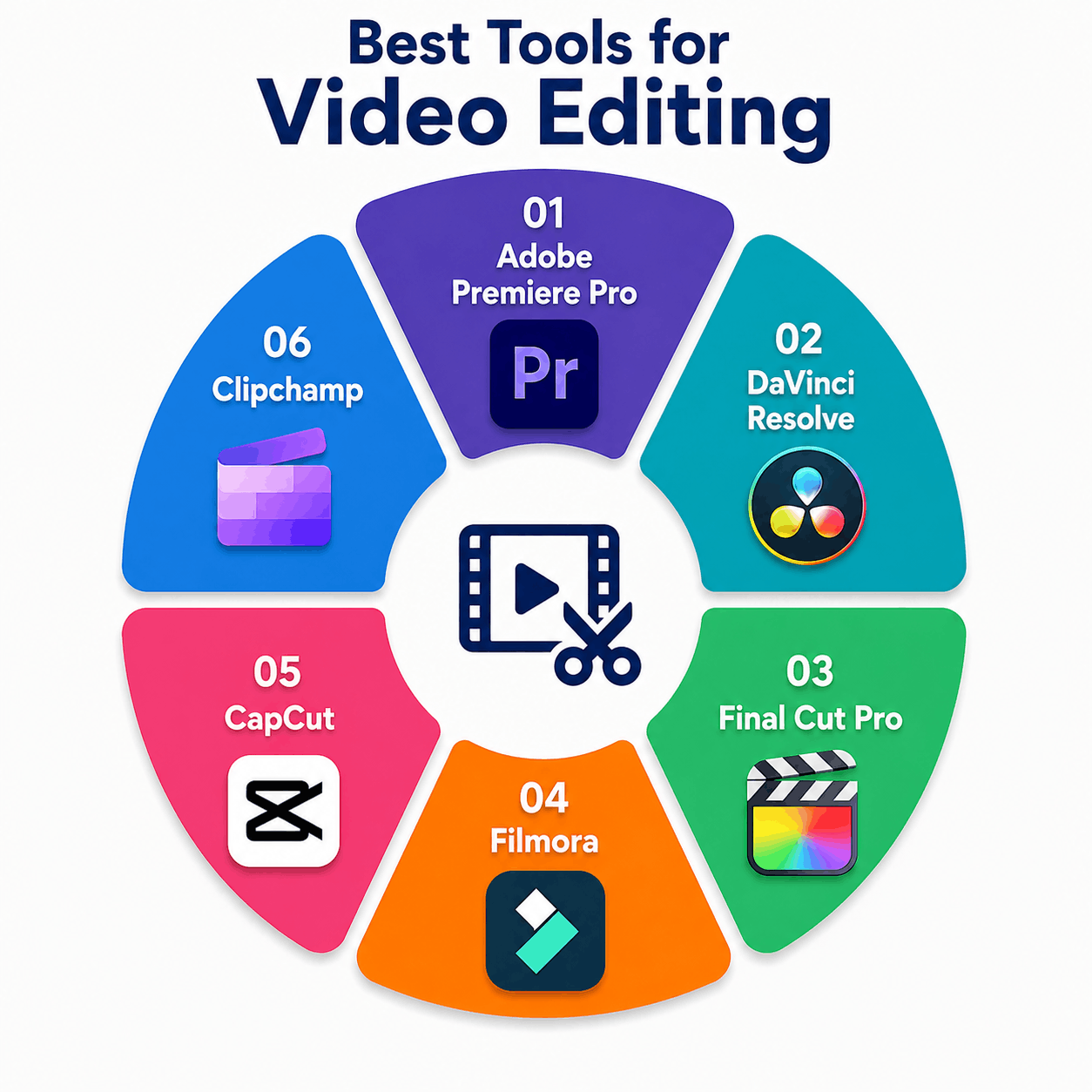
Video Editing Is Now a Core Marketing Skill
Visual media has become a major part of modern marketing, with 91% of businesses reporting that they use it as a marketing tool in 2026.
Video editing is also one part of a wider digital marketing workflow. Businesses can combine content creation with other platforms and strategies covered in our guide to Best Digital Marketing Tools to Grow Your Business Online.
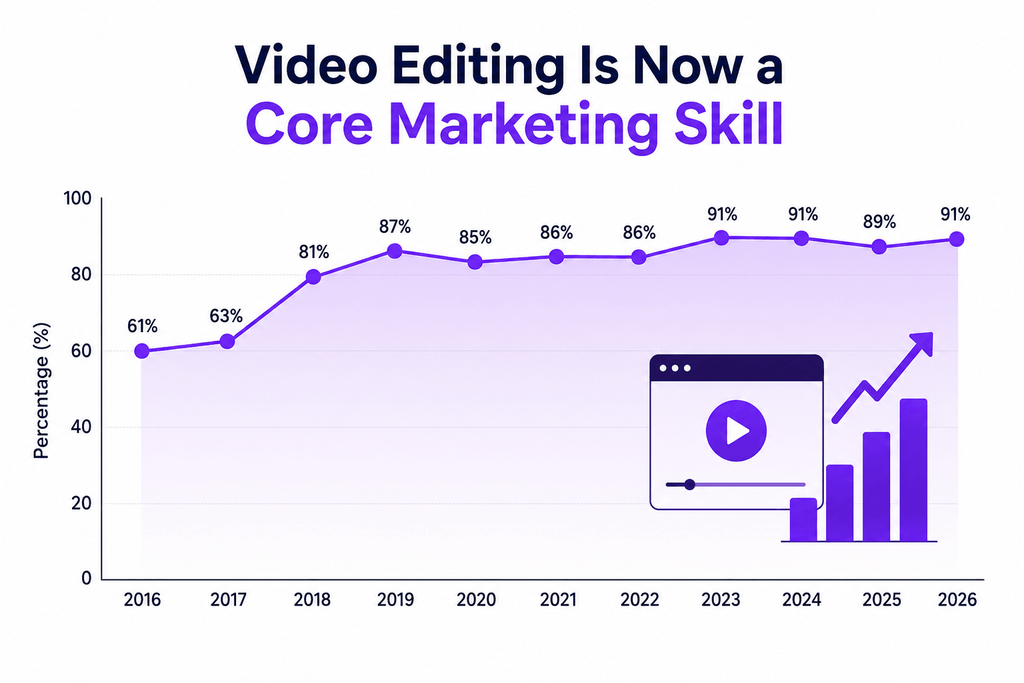
Which Software Is Used for Video Editing ?
| Tool | Best For | Skill Level | Cost | Platform |
| Adobe Premiere Pro | Professional marketing projects | Advanced | Subscription | Windows, Mac |
| DaVinci Resolve | High-quality production | Intermediate–Advanced | Free / Paid | Windows, Mac, Linux |
| Final Cut Pro | Professional Mac editing | Intermediate | One-time purchase | Mac |
| Wondershare Filmora | Easy, polished projects | Beginner | Subscription / One-time | Windows, Mac |
| CapCut | Reels and social media content | Beginner | Free / Paid | Mobile, Desktop |
| Clipchamp | Quick and simple edits | Beginner | Free / Paid | Windows, Browser |
How to Choose the Right Platform?
- If you create social media content: Start with CapCut for Reels, Shorts, and other short-form content.
- If you create YouTube or branded projects: Consider Premiere Pro or DaVinci Resolve for greater creative control.
- If you are a beginner: Try CapCut, Filmora, or Clipchamp for a simpler experience.
- If you use a Mac: Final Cut Pro is a strong option for professional work.
- If you want a free tool: DaVinci Resolve or CapCut offer useful features without requiring a large investment.
Choose Based on Your Needs
You don’t need the most expensive software to create effective marketing projects. Start with a tool that fits your content, experience, and budget, then move to more advanced software as your needs grow.
For social media, CapCut is a practical starting point. For longer and more professional projects, Premiere Pro or DaVinci Resolve can provide greater control.
If you are building a broader marketing workflow, explore our guide to SEO and Digital Marketing Tools for Business Growth for more useful platforms and strategies.