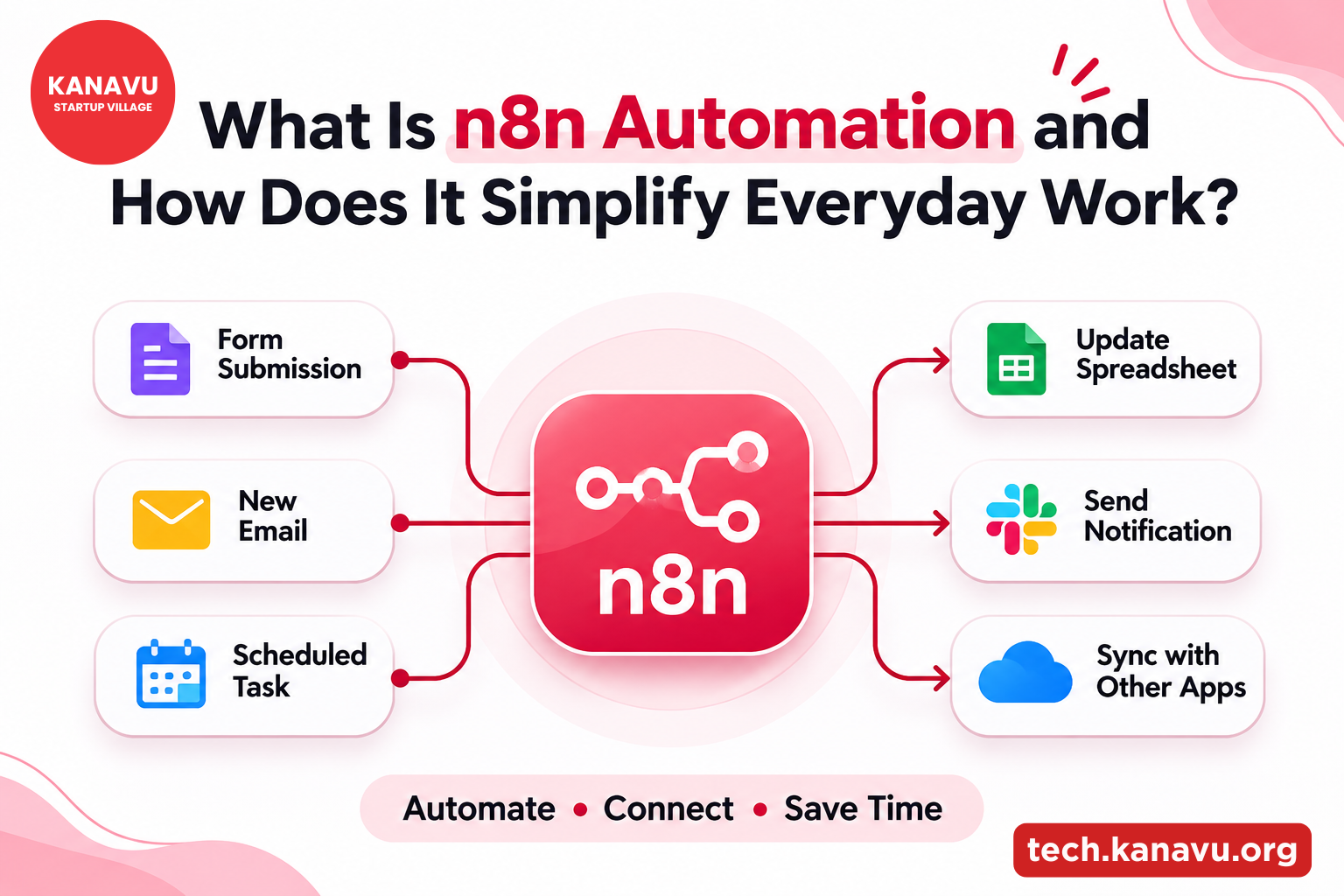
Imagine receiving a customer enquiry and having to copy their details into a spreadsheet, notify your sales team and send a confirmation email.
What if all three happened automatically?
That’s where n8n Automation comes in. It connects different applications and helps businesses complete repetitive tasks without manually handling every step.
From customer enquiries to daily reports, n8n makes everyday work more organised.
What Is n8n Automation and How Does It Work?
n8n is a visual Workflow Automation Platform that connects applications, APIs and databases.
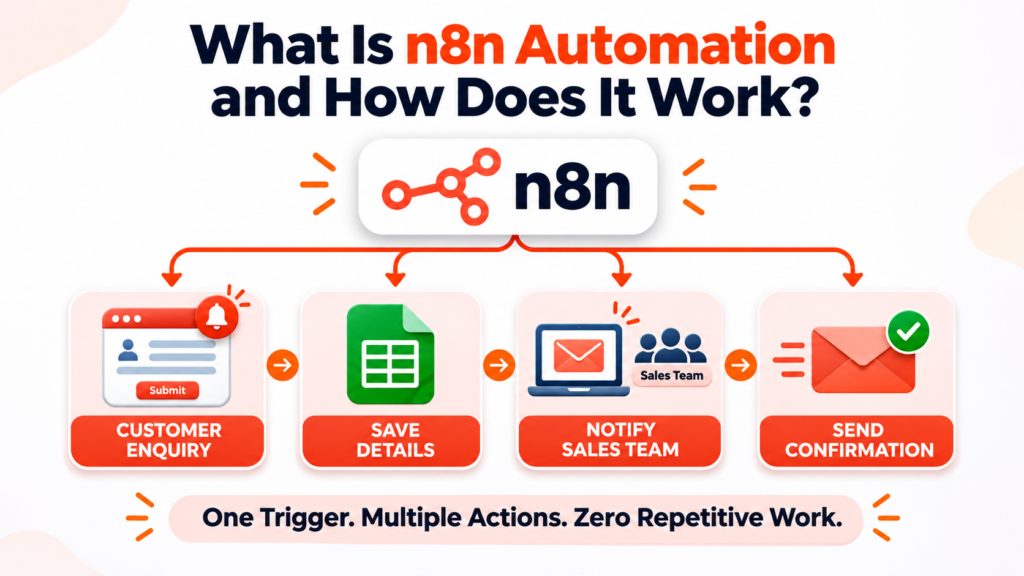
Instead of writing an entire integration from scratch, users build workflows by connecting different blocks called nodes.
Each node performs a specific action, such as receiving information, checking conditions or sending notifications.
For example, a business can create this workflow:
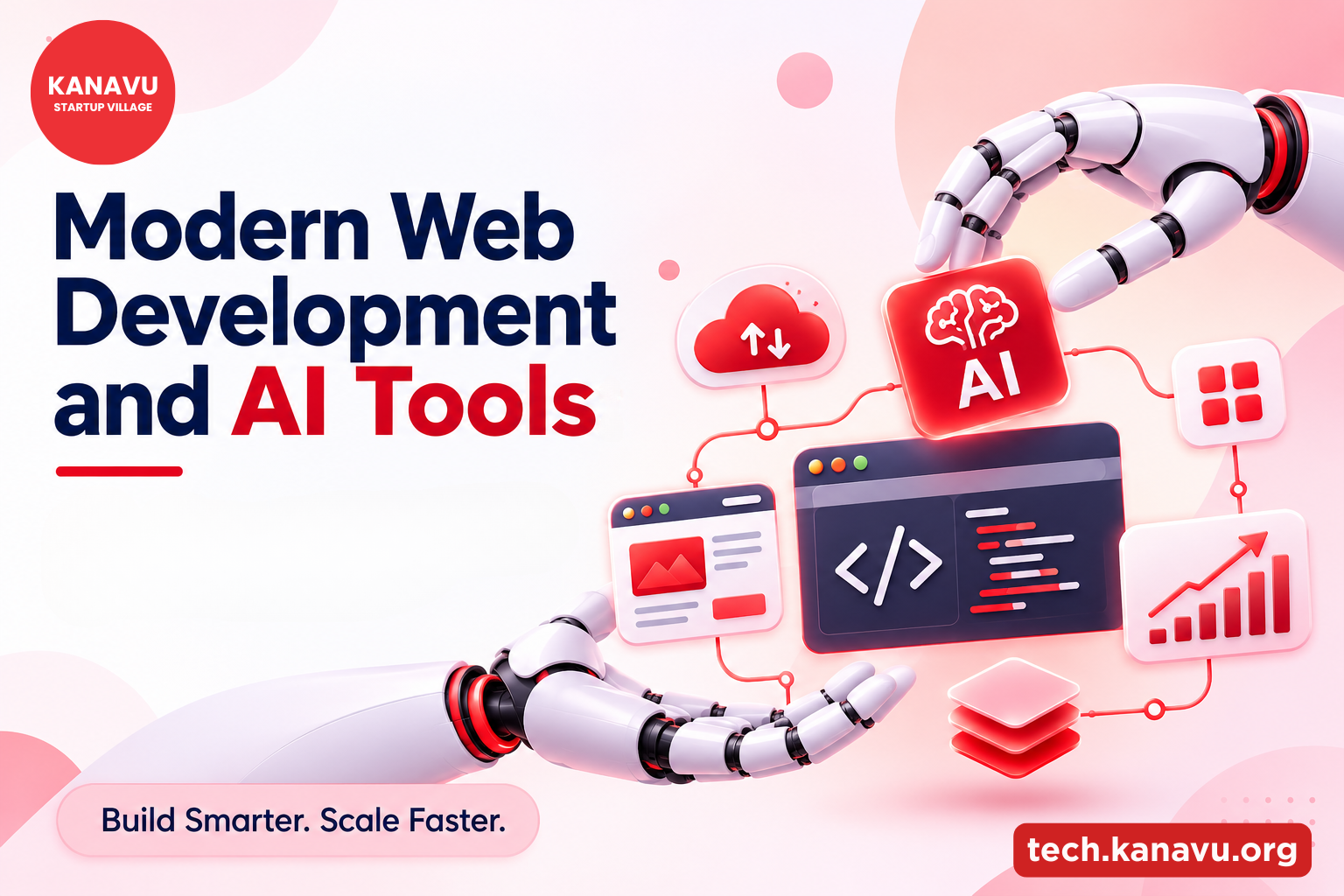
Once activated, the workflow runs when its configured trigger occurs. Automation is becoming an important part of modern web development, where AI tools and connected technologies help businesses improve their workflows. Explore Modern Web Development and AI Tools: Technologies Shaping the Future in 2027 to discover how these technologies are shaping digital solutions.
Quick Insight : n8n can automate connected tasks, but workflows still need proper setup, testing and monitoring to run reliably.
What Are the Key Features of n8n Automation?
1. Visual Workflow Builder
Connect applications using a visual editor. Many workflows require little coding, making automation easier to understand.
2. API and App Integrations
Low Code API Integration allows businesses to connect supported services and exchange information between applications.
3. AI-Powered Workflows
n8n can connect with AI services to classify enquiries, summarise information and assist with routine processing.
4. Self-Hosting Options
Businesses can deploy Self Hosted Automation Workflows on their own infrastructure, providing more control over deployment and data handling.
5. Error Monitoring
Execution history and error-handling features help teams identify failed workflows and investigate problems.
Where Can Businesses Use n8n Automation?
Here are some practical Business Process Automation examples.
| Business Activity | Automation Example |
|---|---|
| Sales | Send new enquiries to a CRM |
| Customer Support | Route requests to the right team |
| Marketing | Schedule content-related workflows |
| Finance | Organise invoice notifications |
| Reporting | Collect data for recurring reports |
These workflows reduce repetitive manual steps and help teams spend more time on important work.
Is n8n Suitable for Small Businesses?
Yes. Small businesses can start with simple workflows and gradually introduce more complex integrations.
n8n is fair-code licensed, with cloud and self-hosted deployment options. Self-hosting provides additional control but also requires technical maintenance and security management.
The best starting point is a repetitive task that follows clear rules.
Build Smarter Workflows with Kanavu Technologies
As businesses grow, keeping applications and processes connected becomes increasingly important.
At Kanavu Technologies, we develop websites, mobile applications and ERP solutions based on business requirements.
Thoughtful integration and automation can help these systems work together more efficiently.
Ready to simplify your business processes?
Discover smarter digital solutions designed to help your business grow.
Explore Our Solutions ↗
External Resource: n8n Documentation – Explore workflow building, integrations, triggers, nodes and deployment options.