
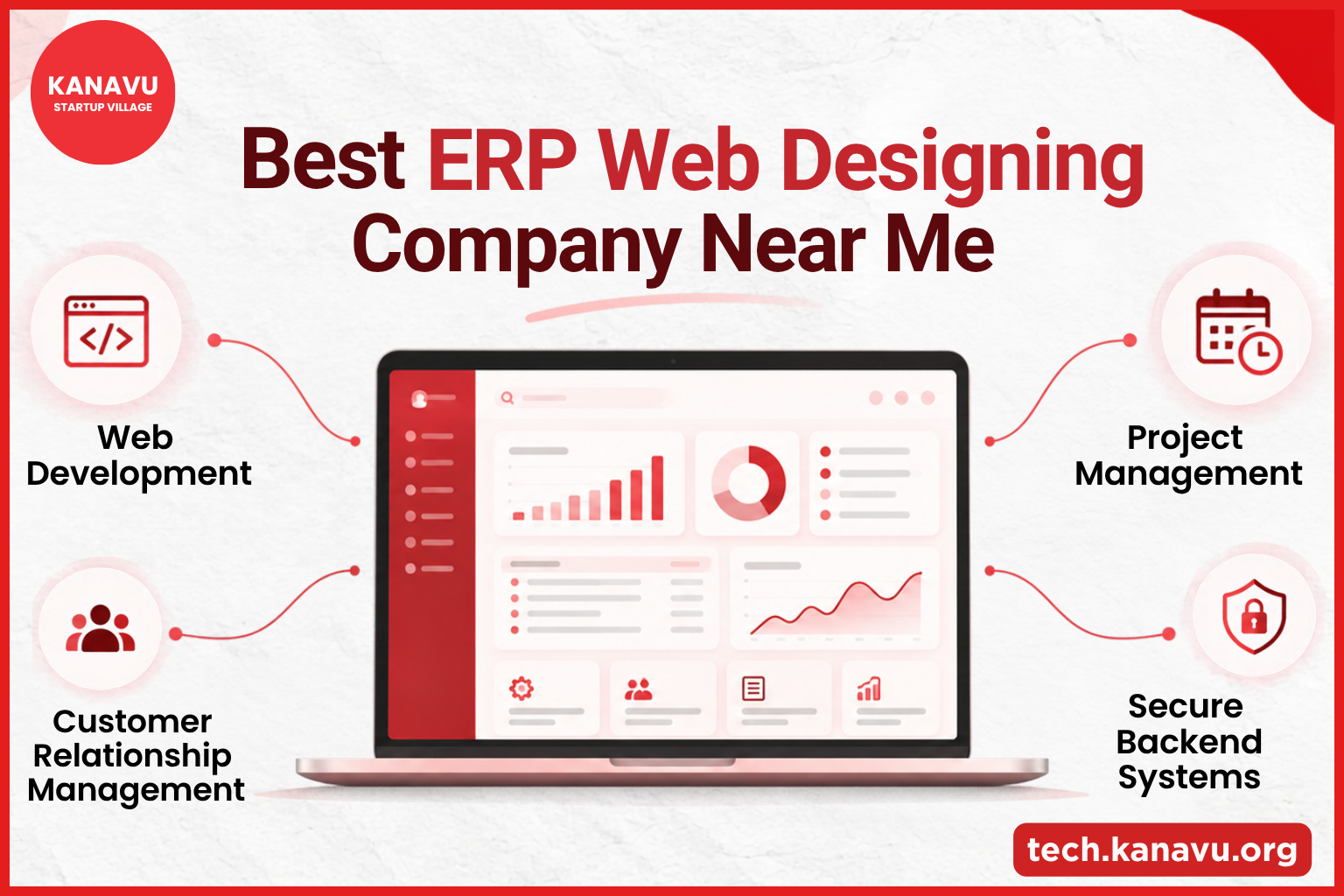
Build a Smarter Business with ERP and Web Solutions Businesses today need more than just a website; they need a connected digital system that keeps teams, tasks and data working together. If you are searching for the Best ERP Web Designing Company Near Me, Kanavu Technologies helps businesses combine professional web development with scalable backend and business solutions built for smoother day-to-day operations. What Is an ERP System Aimed At? An ERP system helps bring different departments into one central system. The goal is to reduce disconnected working methods and make business information easier to access and manage. Connect Bring teams, departments and business data into one shared system. Automate Turn repeated manual work into structured digital workflows. Analyse Use organised data and reports to support better decisions. Track Monitor important business activities from one place. Key Functions of an ERP System A complete ERP solution can bring together important business areas such as: Project Management Manage tasks, timelines and team progress from one place.Keep projects organised and help teams stay on schedule. Sales Management Track leads, quotations, orders and sales activities from one organised system. Finance Management Manage invoices, expenses, payments and financial records in a more structured way. Human Resource Management Organise employee details, attendance, leave, roles and other HR-related information. Customer Relationship Management Manage customer records, follow-ups, interactions and sales opportunities in one place. Inventory Management Track stock levels, product movement and inventory availability to support day-to-day operations. Supply Chain Management Connect purchasing, suppliers and logistics while improving visibility across the supply chain. Reporting & Analytics Use organised business data, reports and performance insights to support better decisions. When Should a Business Consider ERP? ERP becomes useful when normal tools start making operations harder rather than easier. Common Signs Why Web Design Matters Alongside ERP ERP manages the internal side of the business, while a website supports the customer-facing side. Kanavu Technologies builds websites with focus on: Kanavu also works with technologies including React, Next.js, Flutter and backend systems, helping businesses build modern digital products beyond a basic static website. ERP and Web Development in One Digital Strategy A growing company may need both systems to work together. Website = Customer ExperienceERP = Business OperationsTogether = A More Connected Digital Business For businesses searching for the Best ERP Web Designing Company Near Me, the key is to choose a development partner that understands both user experience and business workflows. Explore our guide to choosing the best web design agency in Erode to understand what to look for when selecting a web development partner. Why Explore Kanavu Technologies? Kanavu Technologies focuses on web development, backend integration, database planning, responsive design and long-term digital solutions. Understanding the difference between frontend and backend development can also help businesses understand how user-facing website features connect with internal systems. Its development process also includes testing for speed, mobile compatibility, forms and technical performance. If your business is moving beyond spreadsheets and disconnected tools, combining ERP planning with professional web development can create a stronger digital foundation for future growth. To understand how ERP supports business operations, explore Oracle’s guide to what ERP is and how it works. Frequently Asked Questions 1. What does an ERP system help a business manage? An ERP system helps bring areas such as Project Management, Finance, HR, Inventory, Customer Relationship Management and Reporting into one connected system, making business information easier to access and manage. 2. Why combine ERP with professional web development? A website supports the customer-facing experience, while ERP supports internal business operations. Combining both can help create a more connected digital setup for customers, teams and business workflows. 3. Why choose Kanavu Technologies for ERP and web development? Kanavu Technologies focuses on web development, backend systems, responsive design, database planning and scalable digital solutions. Its development approach also includes testing for speed, mobile compatibility, forms and technical performance.

Best Web Design Agency in Erode
ECommerce Website Company in Erode | Kanavu Technologies Searching for an eCommerce website company in Erode? Kanavu Technologies builds secure, fast and easy-to-manage online stores for growing businesses. Android Application Development Company in Erode Looking for an Android application development company in Erode? Kanavu Technologies builds reliable, user-friendly mobile apps tailored to your business needs. Best ERP Web Designing Company Near Me | Kanavu Technologies Searching for the best ERP web designing company near you? Kanavu Technologies develops custom ERP web solutions that simplify business operations and management. WordPress Website Designing Company in Erode for Startups Looking for a WordPress website designing company in Erode? Kanavu Technologies creates fast, responsive and scalable WordPress websites for startups. Website Problems and Fixes: A Complete Guide by Kanavu Technologies Explore common website problems and practical solutions to improve performance, usability and reliability. Source:
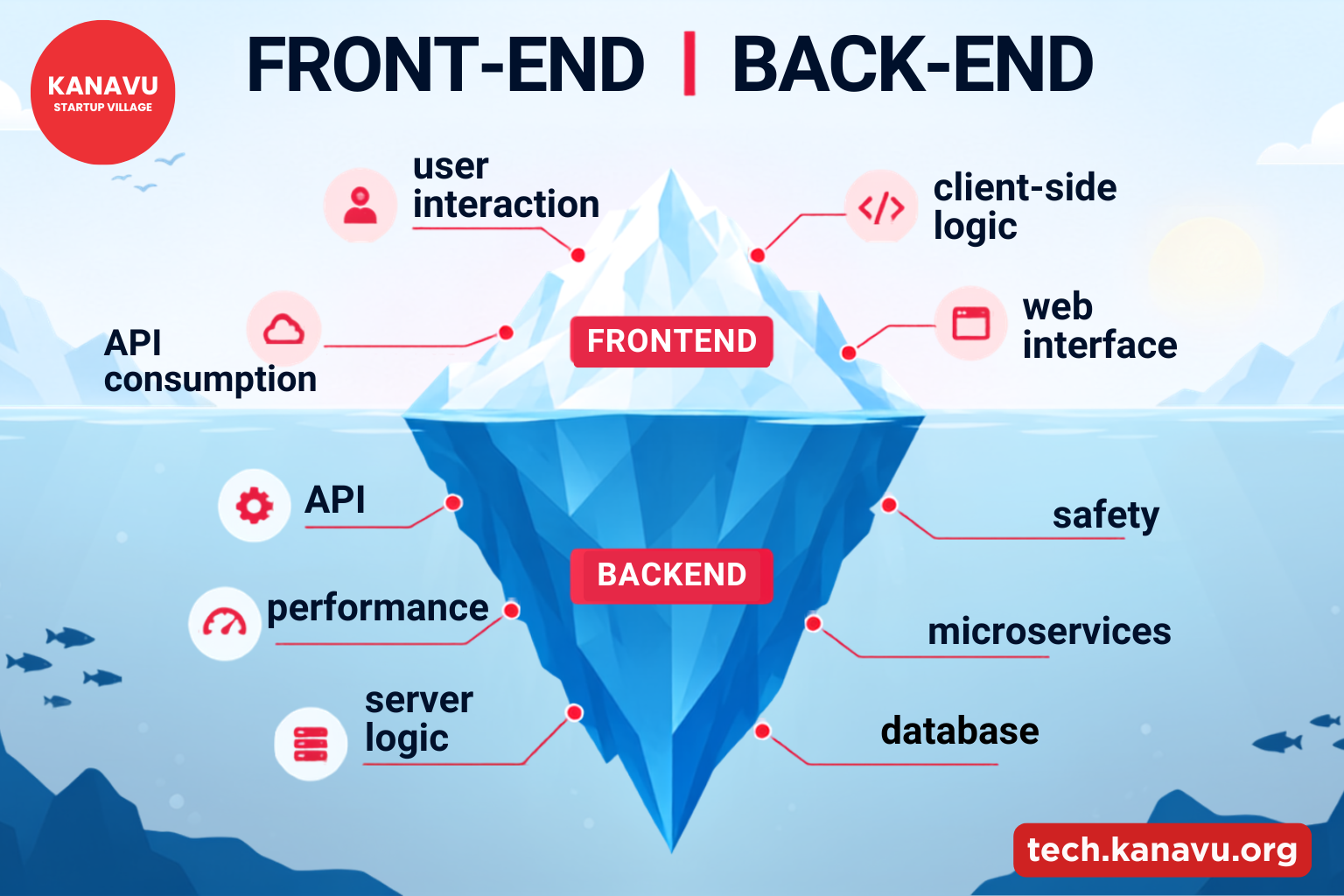
Which Comes First for Your Business? A Guide to Frontend vs Backend Development
Building a website or web application involves two major sides: frontend and backend development. One shapes what customers see and use, while the other powers the functions working behind the scenes. But if you’re starting a new business project, which should come first? The answer depends on what you need to validate, build, and deliver. IN SIMPLE TERMSFrontend = What users see and interact withBackend = What makes the application work behind the scenes What Is Frontend Development? Frontend development focuses on the visible part of a website or application. It includes the layout, buttons, forms, navigation, animations, and other elements users interact with. Key Technologies A frontend developer also considers mobile responsiveness, browser compatibility, page speed, and user experience. These are among the essential features of a business website that help create a smooth experience for customers. What Is Backend Development? Backend development handles the server-side operations that users don’t directly see. It manages application logic, databases, authentication, APIs, and data processing. Common Technologies Which Should Your Business Build First? There is no universal rule. Your business goal and product type should guide the decision. Choose Frontend First If : Choose Backend First If: For example, a data-heavy platform may need its database, APIs, and business logic planned before the complete interface is developed. Do You Need Both? For most functional websites and applications, frontend and backend development eventually work together. A customer may click a button on the frontend, but the backend could be responsible for processing the request, checking the database, and returning the result. HOW THEY WORK TOGETHERUser action → Frontend → Backend → Database → Backend → Frontend → User A Smart Approach for Businesses Choose your starting point based on your business goal. A frontend prototype can help test design and user feedback, while backend planning is important for data-heavy or complex applications. Start with the part that helps you validate your biggest business risk, then build the other side around it. Even after development, websites may face performance, design, or functionality issues. Explore our Website Problems and Fixes guide to understand common challenges and how to address them. Frequently Asked Questions
Why Is My Website Not Responsive on Mobile? Common Fixes
Have you opened your website on a phone and noticed that the text is too small, images are cut off, or the page needs horizontal scrolling? These are common signs that your website is not mobile responsive. A responsive website automatically adjusts to different screen sizes, including phones, tablets, and desktops. Quick Tip: If your website looks fine on a computer but breaks on a phone, check its mobile layout and CSS first. Why Is My Website Not Responsive on Mobile? Here are some common reasons: 1. Missing Viewport Tag The viewport tag helps your website fit the phone screen. Add this inside the <head> section: <meta name=”viewport” content=”width=device-width, initial-scale=1″> 2. Fixed Widths Using large fixed widths can make your website wider than the phone screen. Use flexible widths instead:.container { width: 100%; max-width: 1200px; } 3. No Mobile CSS Your website may need media queries to change the layout on smaller screens. @media (max-width: 768px) { .content { width: 100%; } } 4. Large Images Large images can overflow the screen. Use: img { max-width: 100%; height: auto; } 5. Small Buttons Buttons and links should be easy to tap on a phone. Give them enough size and space. Simple Check: Open your website on your phone. Check the menu, text, images, buttons, and forms. Make sure nothing is cut off or difficult to use. How to Test Your Website on Mobile? You can test your website using Chrome: If your website is responsive but still takes too long to load, checking its performance can help identify other issues. Our developer checklist for fixing a slow website covers common causes of slow loading and practical ways to improve website speed. Quick Fixes Problem Fix Website is too wide Use flexible widths Images are cut off Make images responsive Text is too small Use readable font sizes Layout breaks Add media queries Buttons are hard to tap Increase their size Make Your Website Mobile Friendly If you are wondering Why Is My Website Not Responsive on Mobile, start by checking the viewport tag, fixed widths, images, and mobile CSS. A responsive website gives visitors a better experience and makes your pages easier to use on any device. If you are facing other website issues, explore our guide to Website Problems and Fixes for practical solutions to common website problems. Frequently Asked Questions Source: How to Fix Mobile Responsive Issues on Your Website
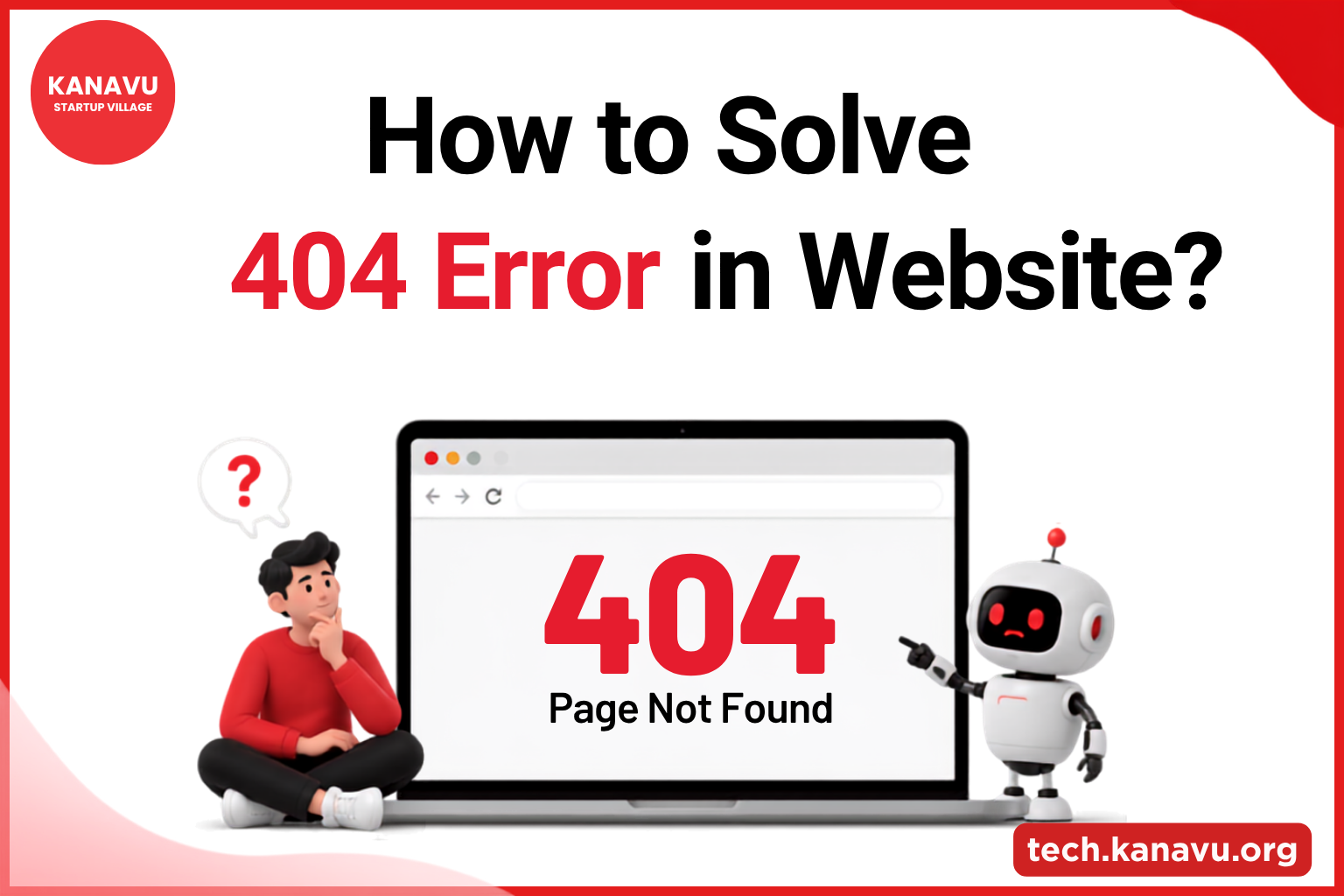
How to Solve 404 Error in Website: Causes and Fixes
A 404 Not Found error appears when a server cannot find the webpage or resource requested by a visitor. It commonly happens when a page is deleted, moved, or the URL is entered incorrectly. Understanding the cause helps you fix the issue and provide a better experience for visitors. What Is a 404 Error? A 404 Not Found is an HTTP status code that tells the browser that the requested resource could not be found on the server. For example, if a visitor opens: https://example.com/old-page and that page no longer exists, the server may return: 404 Not Found Broken or dead links can lead visitors to these pages and may create a poor user experience. What Causes a 404 Error? How to Solve 404 Error in Website? 1. Find the Broken URL First, identify which pages are returning a 404 error. You can check: Finding the exact URL makes it easier to determine the right fix. Regular website monitoring can also help you identify site speed and performance issues that may affect your website. 2. Redirect the Old URL If a page has been permanently moved, create a 301 redirect from the old URL to the most relevant new page. Old URL → New URL This helps visitors reach the correct content instead of seeing an error page. 3. Restore the Deleted Page If the missing page still has useful content or receives visitors, consider restoring it. You can recover it from a backup or recreate the page. 4. Fix Broken Internal Links Check your website’s: Update links that point to incorrect or deleted URLs. 5. Check External Links If another website is sending visitors to an outdated URL, contact the website owner and request an update. If the old page has a suitable replacement, a 301 redirect can also help. Create a Helpful 404 Page A custom 404 page should help visitors continue browsing instead of simply showing “Page Not Found.” The design can be simple or creative, but visitors should immediately understand what happened and where they can go next. How to Prevent 404 Errors? Why Fixing 404 Errors Matters for SEO A few 404 pages are normal, but too many broken links can affect user experience and website crawling. Regularly fixing important 404 errors keeps your website easy to navigate and maintain. Also Read: If you’re dealing with other website problems beyond 404 errors, explore our Website Problems and Fixes: A Complete Guide by Kanavu Technologies for practical solutions to common technical issues. Frequently Asked Questions
Why Is My Site Slow? Kanavu Technologies’ Developer Checklist
A lagging site doesn’t just annoy visitors, it costs you customers. Every extra second a page takes to load pushes more people to hit back and land on a competitor instead. If you’ve been asking “why is my site slow” and getting vague answers, here’s the real, practical checklist our developers actually use to diagnose and fix it. Over 53% of mobile visitors leave a site that takes longer than 3 seconds to load. Why Speed Actually Matters ? The Real Cost of Poor Performance A poorly performing website can lead to fewer visitors, lower conversions, and lost sales. Heavy media, poor hosting, and unoptimized code are common causes. When building or improving a website, following a structured development process can help avoid many of these issues. Explore our Business Website Development Guide: From Planning to Launch to understand how planning, development, testing, and launch affect website performance. Key Impact: Long load times →Frustrated users → Lost opportunities Common Causes of a Slow Site 1. Heavy Media Large, uncompressed image or video files take longer to download, and this remains one of the most common culprits behind sluggish load times. 2. No Caching Without caching, the server rebuilds pages from scratch for every single visitor instead of serving saved copies, adding unnecessary load time to every request. 3. Too Many Plugins Too many background scripts can drain resources and affect overall site performance, even on pages where the plugins aren’t needed. 4. Poor Hosting Cheap shared hosting plans slow down when traffic spikes, since server resources are split across many other sites at the same time. 5. Render-Blocking Code Large JavaScript or CSS files block the page from showing up until they fully load, leaving visitors staring at a blank screen longer than necessary. These are some of the most common reasons a website may become slow. For a website to perform well, it also needs a strong foundation of usability and functionality. Explore our Essential Features of a Business Website to learn what your business website should include. How to Diagnose and Fix It 1. Run a Speed TestUse Google PageSpeed Insights or Pingdom Website Speed Test to find performance issues. 2. Compress ImagesResize images and use modern formats like WebP. 3. Enable CachingUse browser, plugin, or server-level caching to reduce loading time. 4. Clean Up PluginsRemove unused plugins and unnecessary third-party scripts. 5. Use a Content Delivery Network (CDN)Deliver static files faster to visitors in different locations. Developer Speed Checklist The Developer Checklist Run a speed test (PageSpeed Insights or Pingdom) Check image sizes and formats Review render-blocking JS/CSS Confirm caching is enabled Audit plugins and third-party scripts Check server response time Test on both desktop and mobile When to Bring in a Developer ? If your site is still slow after basic fixes, the issue may be with code, architecture, or hosting. A technical audit from Kanavu Technologies can help identify the root cause and improve your website’s performance. Also Read: If you’re dealing with other technical website issues beyond slow loading, explore our Website Problems and Fixes: A Complete Guide by Kanavu Technologies for practical solutions to common website problems. FAQs
Website Problems and Fixes: A Complete Guide by Kanavu Technologies
1. Which Comes First for Your Business? A Guide to Frontend vs Backend Development Understand frontend vs backend development and learn which one your business should prioritize when building a website or app. 2. Why Is My Site Slow? Kanavu Technologies’ Developer Checklist A slow site costs you customers. Use this developer checklist to find and fix the real causes of poor performance. 3. Why Is My Website Not Responsive on Mobile? Common Fixes Website not working properly on phones? Here are the most common mobile responsiveness issues and how to fix them. 4. How to Solve 404 Error in Website: Causes and Fixes A 404 error in a website can frustrate visitors and affect user experience. Learn the common causes of 404 errors and practical ways to find, fix, and prevent them. Source: Also Read: Business Website Development Guide: From Planning to Launch
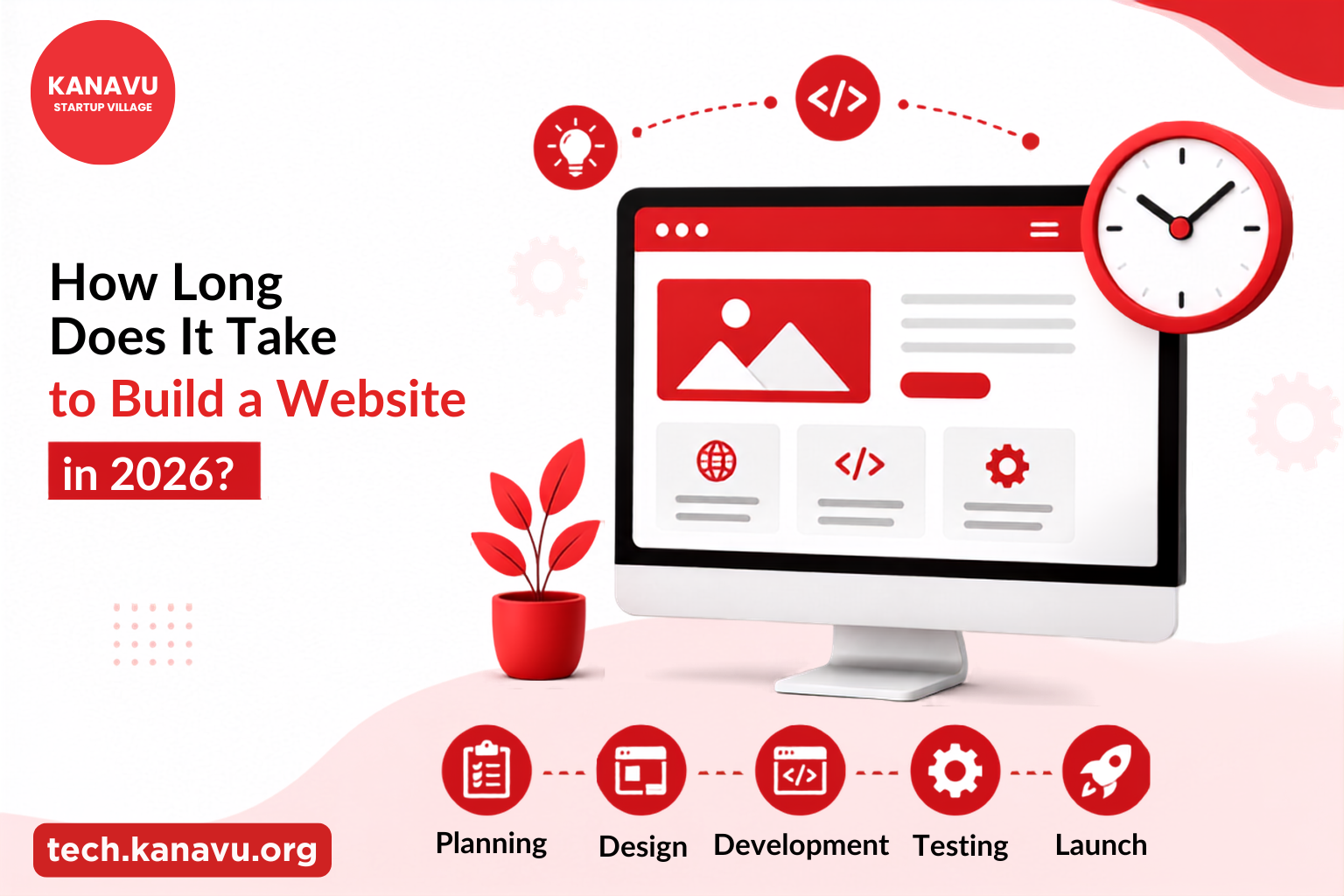
How Long Does It Take to Build a Website in 2026?
If you’re wondering How Long Does It Take to Build a Website, the answer is usually 2 to 12 weeks, depending on the size and complexity of your website. Thanks to AI-powered tools and modern website development methods, many websites can now be built faster than before. However, the final timeline still depends on your requirements, the number of pages, custom features, and how quickly content and feedback are provided. Before starting development, having a clear understanding of the complete website creation process can help businesses plan better. Our Business Website Development Guide: From Planning to Launch explains the complete process and important considerations for building a professional website. A basic business website may take only a couple of weeks, while larger eCommerce websites or websites with custom functionality require additional planning and development. Having your logo, images, written content, and business goals ready before the project starts can also help speed up the process. Website Development Timeline The table below shows the average time required for different types of websites. Website Type Average Development Time Basic Business Website 2 – 4 Weeks Corporate Website 4 – 8 Weeks eCommerce Website 8 – 12 Weeks Custom Web Application 12+ Weeks Every project is different, but following a structured approach helps keep development on schedule while maintaining quality. What Factors Affect Website Development Time? Several factors can influence how long your website takes to build. Some of the most common include: A website with advanced features, custom designs, or complex functionality may require more development time. Understanding the right website elements can help businesses plan better. Explore our guide on Essential Features of a Business Website to learn about features that improve website performance and user experience. Simple Website Development Process Most websites follow a straightforward process: Following this process helps ensure your website is functional, user-friendly, and ready for visitors. Following a structured website development process helps you understand the time required to build a website that meets your business needs. Build Your Website with Confidence A successful website is not just about finishing quickly, it’s about building a website that works well for your business. Choosing the right development team, planning the project carefully, and providing timely feedback all help keep the project on schedule while delivering a professional result. Why Choose Kanavu for Your Website Development? Now that you know How Long Does It Take to Build a Website, the next step is choosing the right development partner. At Kanavu Startup Village, we build responsive business websites, eCommerce websites, and custom web solutions designed to meet your business goals. Contact us today to create a professional website that supports your growth. Source: How Long Does It Take to Build a Website? – Hostinger
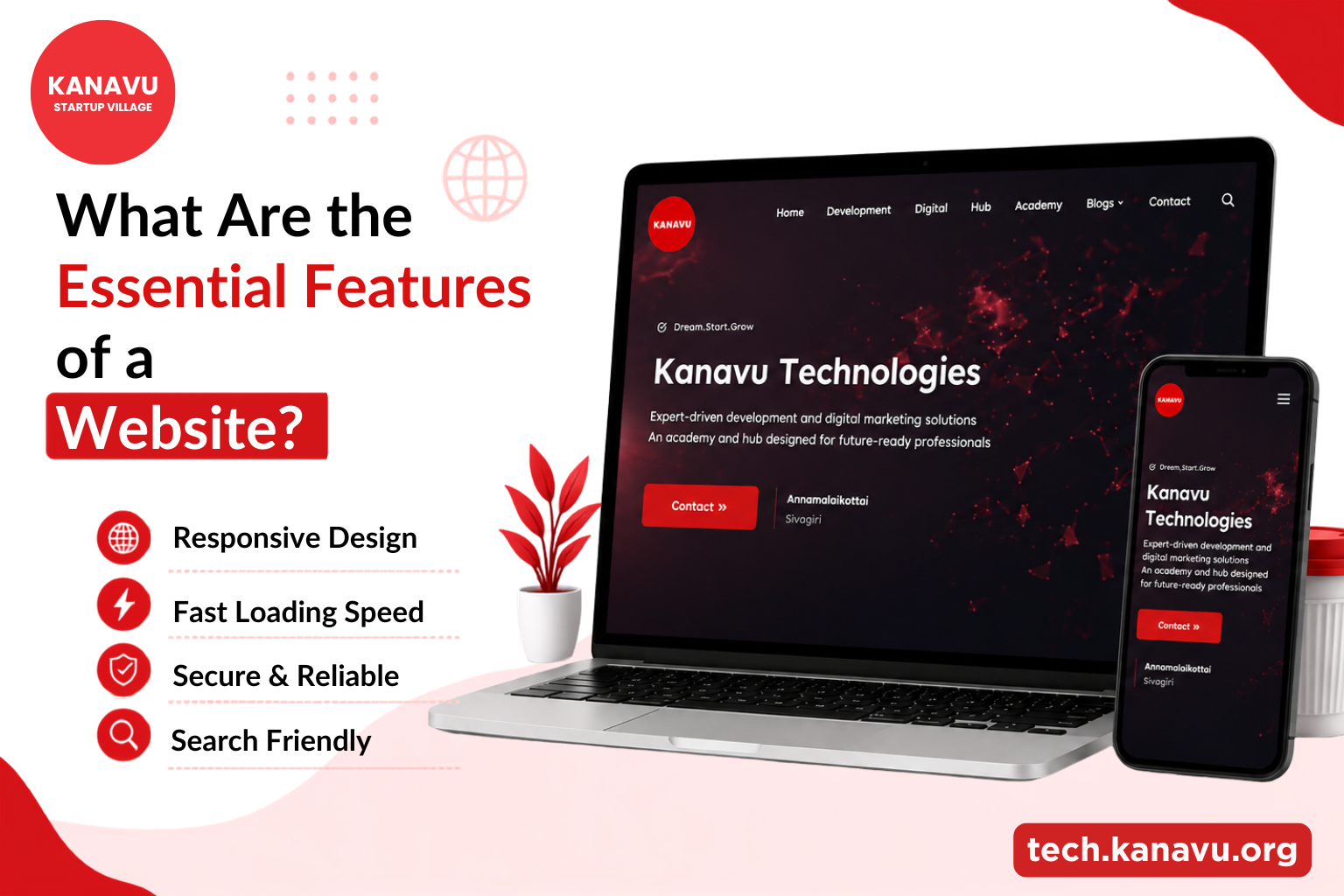
What Are the Essential Features of a Business Website?
A website is often the first place a potential customer goes before they decide to trust your business. What they find in those first few seconds determines whether they stay or leave. The essential features of a business websiteare not about making it look impressive. They are about making it work. A website is often the first place a potential customer goes before they decide to trust your business. What they find in those first few seconds determines whether they stay or leave. The essential features of a business websiteare not about making it look impressive. They are about making it work. Why Website Features Matter More Than Design? Most businesses focus on how their website looks, but the smarter question is whether it works. Understanding the features of business websites that drive results separates a site that converts from one that just exists. How to Build a Business Website? Our 4D process of Define, Design, Develop, and Deploy ensures that every product is built with complete clarity, tested thoroughly, and launched with full confidence. 4D Process Every successful website starts with a clear plan. If you’d like a detailed walkthrough, explore our How to Create a Business Website in 2026? guide to understand the complete process, from planning and design to launch. Essential Features of a Business Website Building a successful website involves more than adding the right features. Explore our Business Website Development Guide From Planning to Launch to learn every stage, from planning and design to development, launch, and ongoing growth. Common Website Challenges and Solutions Website Challenge Solution Slow Loading Times Optimize images and improve website speed. Poor Mobile Experience Make the website responsive for all devices. Low Search Rankings Improve SEO with quality content and optimisation. Security Issues Use SSL and regular security updates. Difficult Navigation Create simple menus and breadcrumbs for easy browsing. Who Can Help You Build All of This? Building a website that meets Business website requirements requires technical expertise and a clear understanding of what makes a website reliable and effective. Kanavu Technologies, based in Erode, builds websites using React, Next.js, and Flutter with secure, scalable backend systems to deliver reliable digital solutions. Beyond development, Kanavu combines digital marketing strategies to ensure your website includes all the essential features of a business website that help attract visitors and drive conversions. Source: Essential Parts of a Website – Wix
Static vs Dynamic Website: Which One Is Right for Your Business?
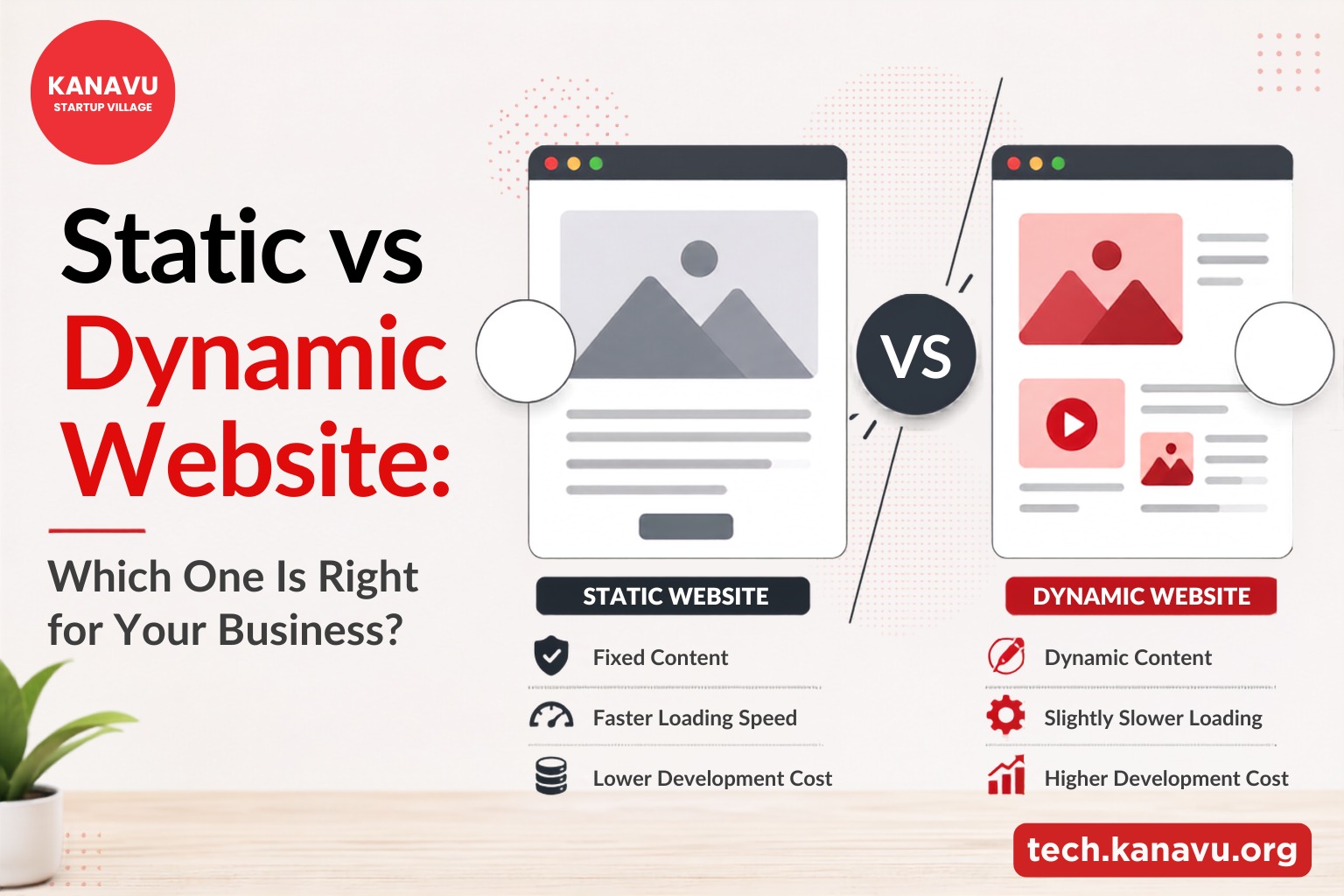
Every business needs a website today. But not every business needs the same kind of website. When you start building one the first real decision you face is this. Static vs dynamic website. Which one do you actually need and why does it matter for your business specifically? Before deciding between a static and dynamic website, it helps to understand the complete website planning process. Our guide on How to Create a Business Website in 2026? which explains everything from choosing the right platform to planning your website for long-term business growth. What Is a Static Website? A static website delivers the same content to every visitor every time. The pages are pre-built and stored as fixed HTML files. There is no database, no server side processing, and no content that changes based on who is visiting. Advantages of a Static Website Disadvantages of a Static Website What Is a Dynamic Website? A dynamic website pulls content from a database and builds each page in real time when a user visits. The content can change based on who is visiting, what they searched for, or what they clicked last time. Advantages of a Dynamic Website Disadvantages of a Dynamic Website Types of Websites by Purpose Choosing the right website type is only one part of the process. A successful website also requires proper planning, design, development, testing, and launch. Our Business Website Development Guide From Planning to Launch walks you through each stage to help you build a website that supports your business goals. How to Choose Between Static vs Dynamic Website? Choose a static website if: Choose a dynamic website if: Which website is best for business? Both static and dynamic websites can rank well on Google. Static websites load faster. Dynamic websites generate more content. The key is not the type you choose but how well it is built and maintained. Not Sure Which One Fits Your Business? Choosing between a static vs dynamic website can be confusing. Kanavu Technologies builds both static and dynamic websites using modern technologies like React, Next.js, and Flutter. Whether you need a fast business website or a feature-rich platform with logins and e-commerce, they help you choose the right solution from the start. Source: Static vs dynamic website – by shopify